There are several options:
install R on your computer
use R+RStudio via posit.clout
use R+RStudio via Binder

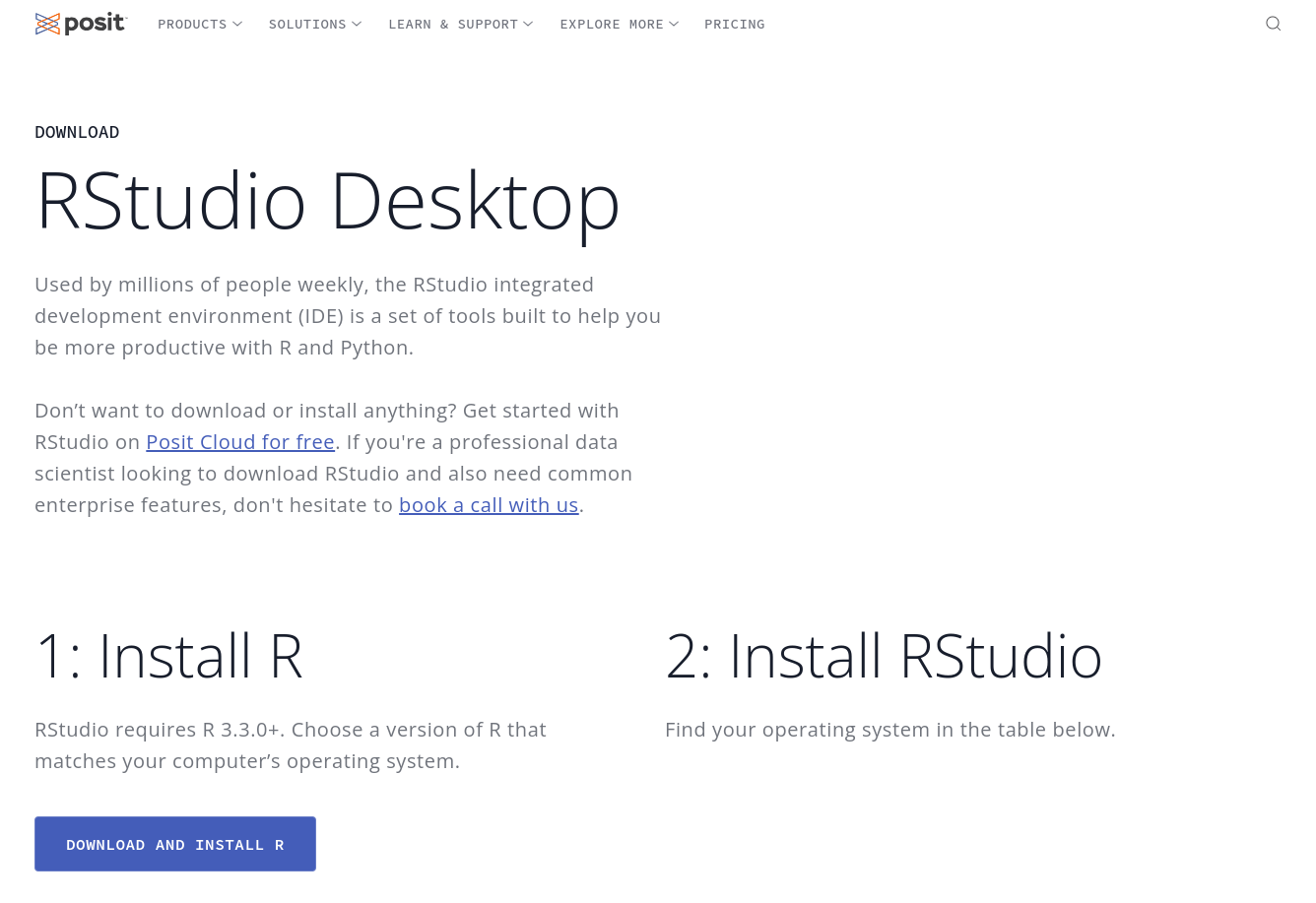
Visit https://cloud.r-project.org/
You can find instructions to install R on your specific OS online.
Here for example.
Example 1:
Example 2:
What are these symbols? Are there different kinds of things?
https://posit.co/download/rstudio-desktop/
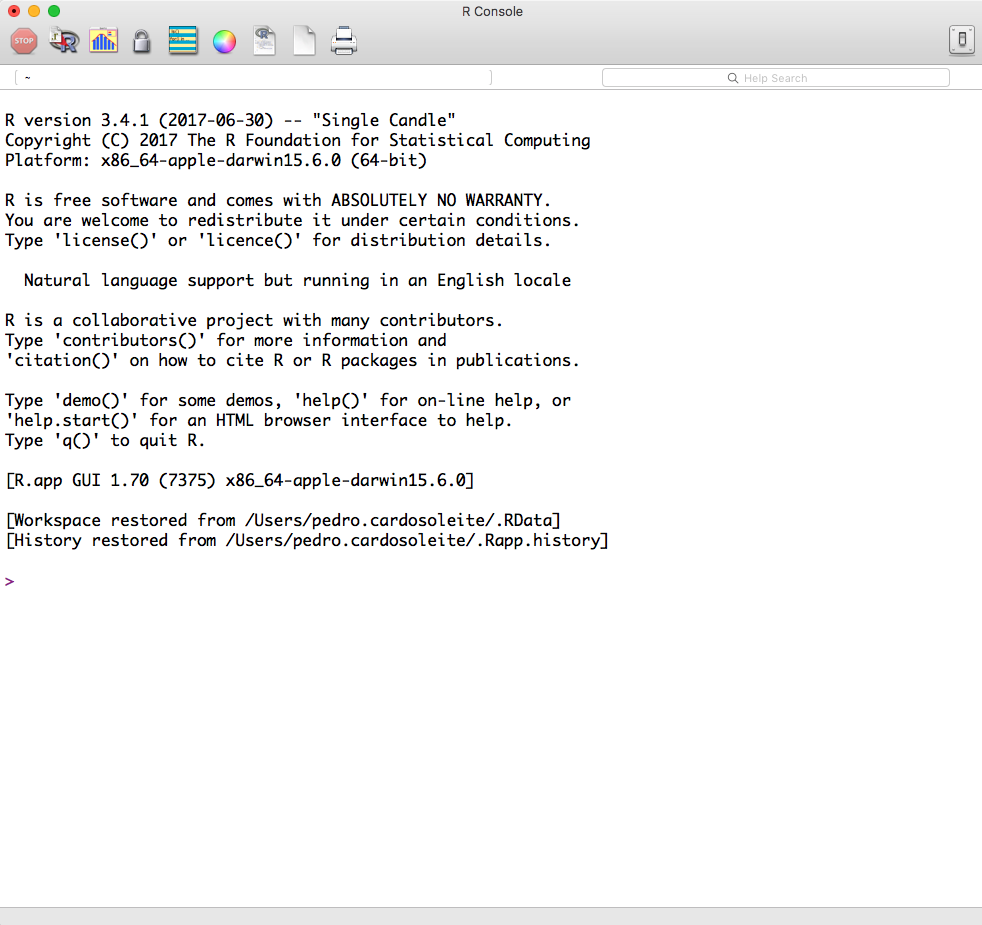
The R GUI is bare bones.
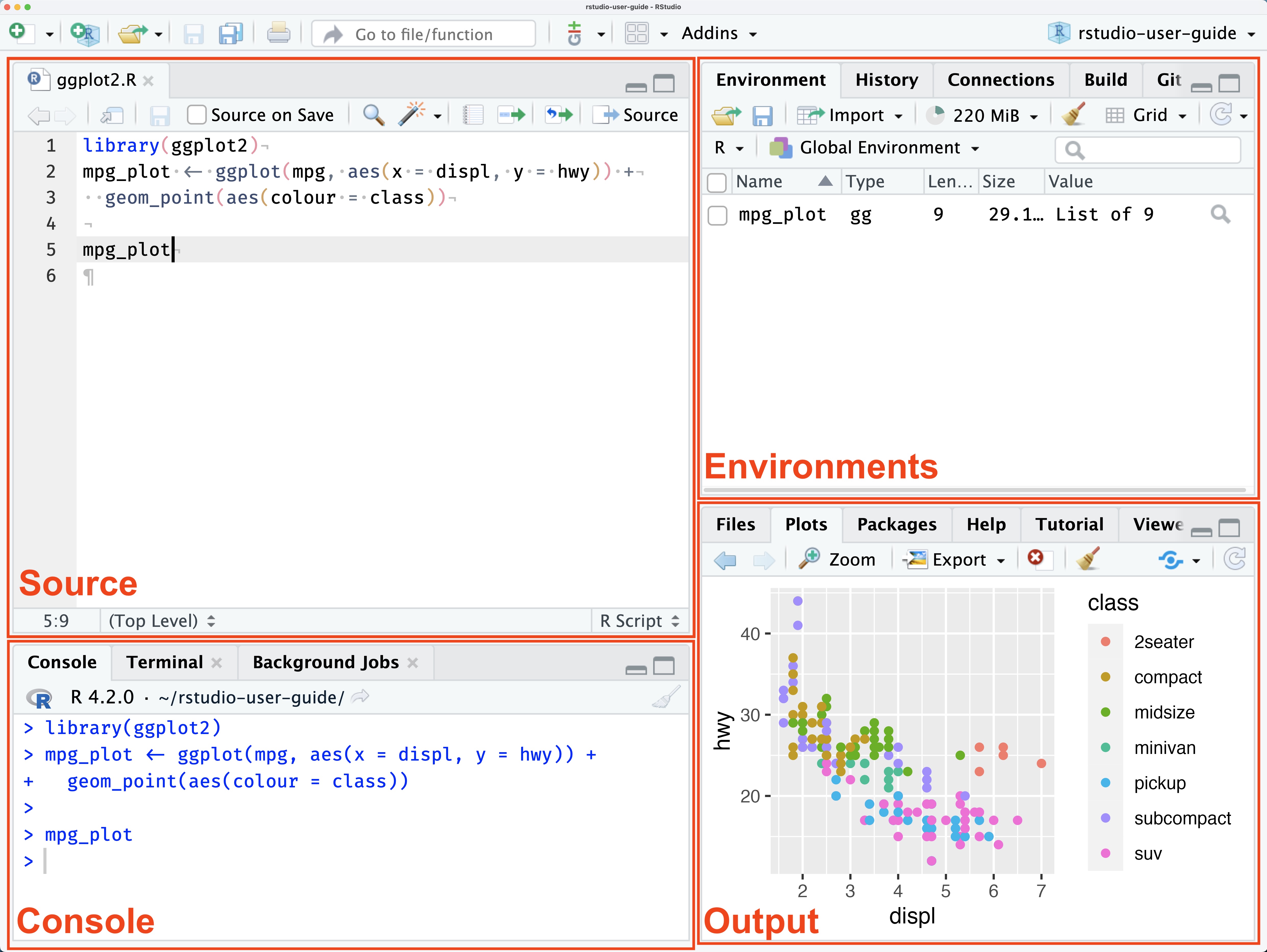
Programmers use IDEs to work effectively.
IDEs provide tons of features that make programming easier and more fun.
https://docs.posit.co/ide/user/ide/guide/ui/images/rstudio-panes-labeled.jpeg
Packages offer you additional functionality (functions, code, data not included in base R).
You will almost always use additional packages, but depending on your specific needs you might use different ones.
This is done only once (but you may need to redownload if there is a newer version of package).
To download a package, you need to “install” the package (e.g., using install.packages("package_name"))
A package is not automatically available; you need to activate it before you can use it.
To activate a package, first you must have installed it. Second you need to call library("package_name").
Beginners often mix this up this two steps.
You can do those steps either using code (e.g., typed in the console) or by using RStudio package panel.
In the console type
“swirl” is the name of the package we want to download on our computer.
This command will download the code from that package from CRAN and put in on your computer.
Each time you want to use that package, you need to load it into R.
In the console, type:
Now the code from the swirl package is aviable for use.
ggplot2 packagetidyverse packageTidyverse is a set of well-designed packaged that work very well together to effectively accomplish 90% of the data science tasks.
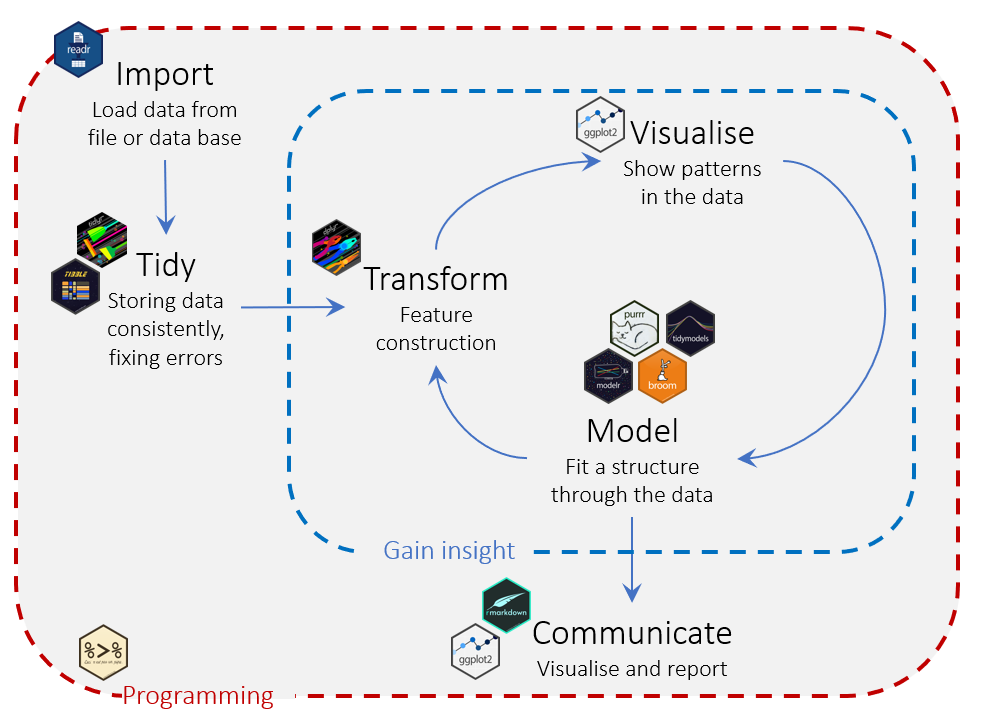
We’ve installed R and RStudio and we’ve seen how to install packages.
We are now ready to start programming.